
01
Celestial Latitude
Take a sextant altitude of Polaris or the Sun and find your latitude. The height of a star tells you where you are.
Beginner- Latitude from Polaris
- Noon Sun at equinox and solstices
Latitude from the height of Polaris, longitude from an accurate clock. Reckon a ship's position from course and speed, fix it from lighthouse bearings, read the tide, draw the shortest route over the globe, and finally pin down "you are here" from satellite signals. From classical celestial navigation to modern GPS — see it, move it, measure it.
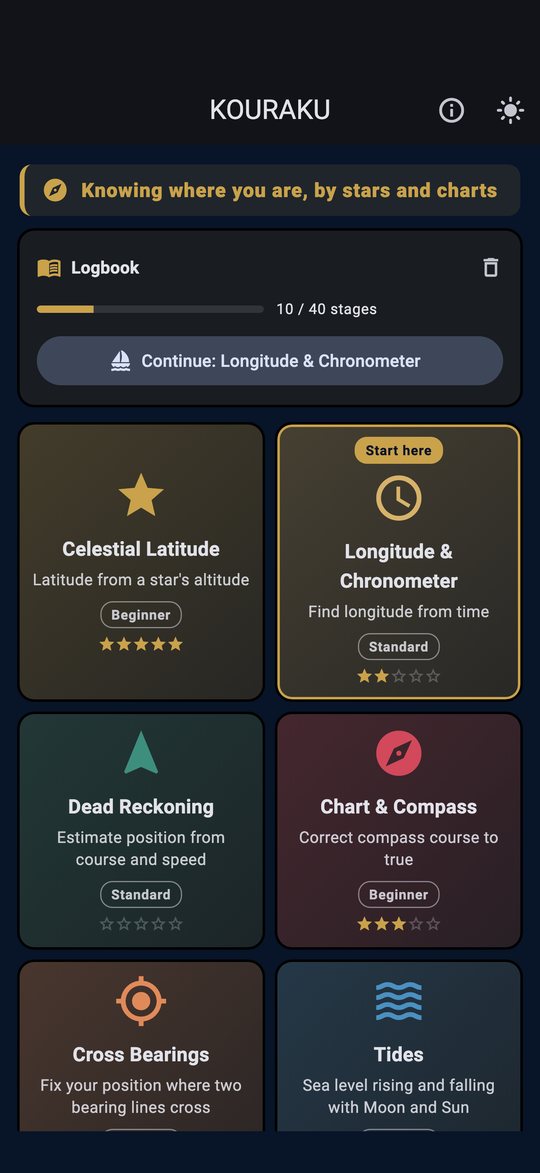
Arranged from classical to modern. In every mode, use Explore to see the principle, then take on five Challenge stages: measure a hidden value yourself and answer.
Take a sextant altitude of Polaris or the Sun and find your latitude. The height of a star tells you where you are.
BeginnerFind longitude from Greenwich time at local noon — 15° per hour. An accurate clock unlocks east and west at sea.
StandardBuild up course and speed to estimate your position, and watch the current's drift accumulate on the chart.
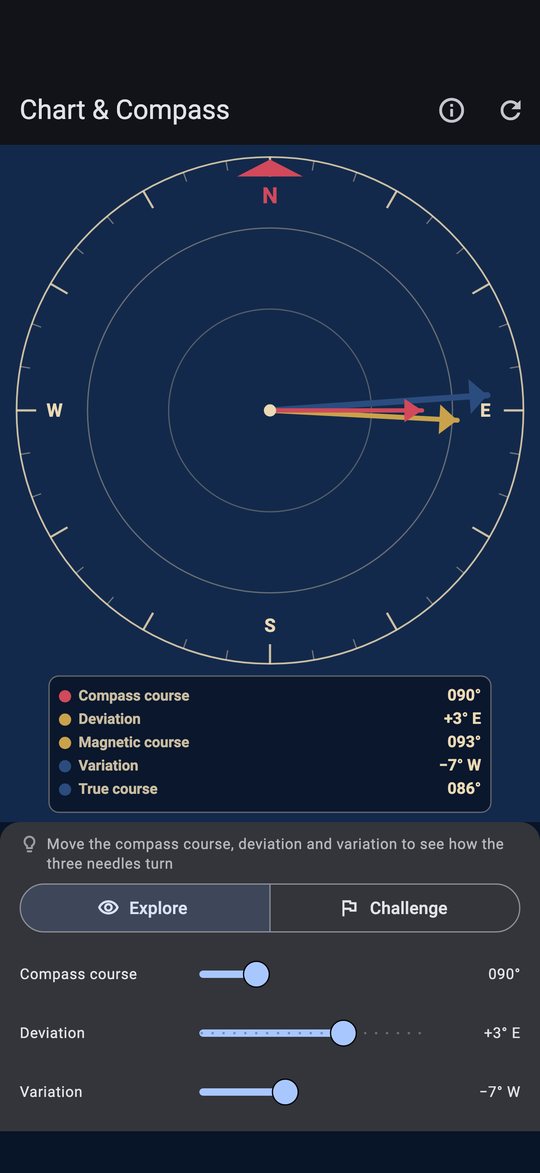
StandardCorrect a compass course to true with deviation and variation, and compare magnetic and true north with three needles.
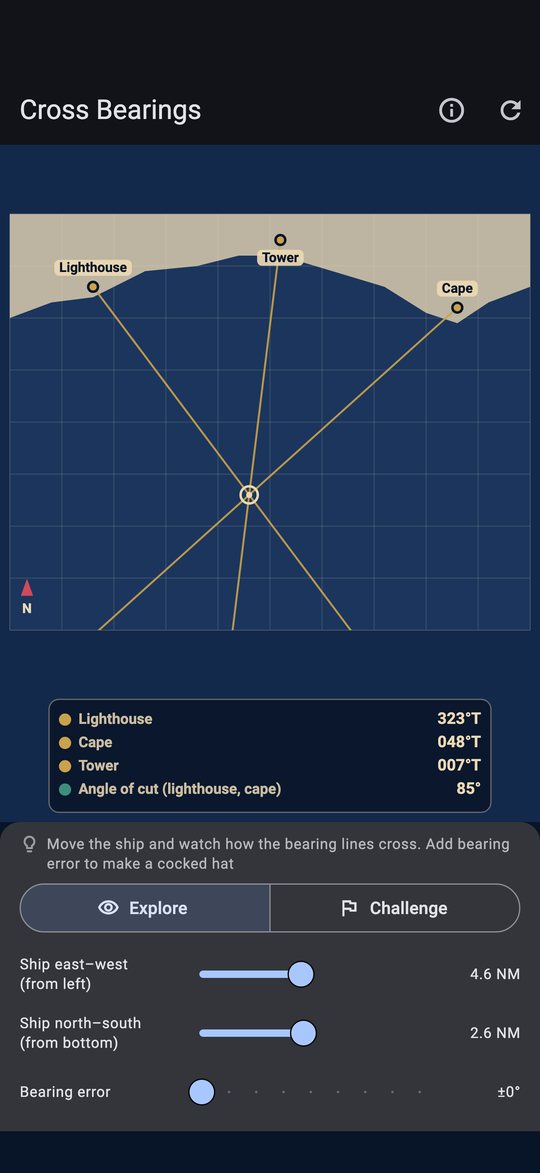
BeginnerPlot bearings of a lighthouse, a cape and a tower, and fix your position where the position lines cross — and see why three lines make a cocked hat.
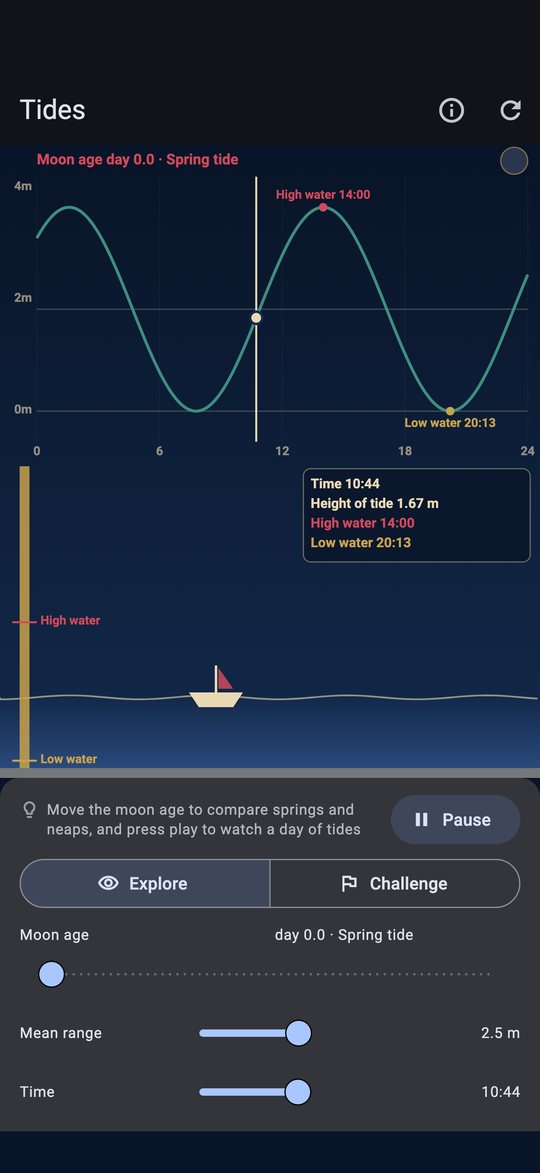
BeginnerSpring and neap tides from the Moon and Sun. Read high water, the rule of twelfths, and the earliest time to cross a shoal.
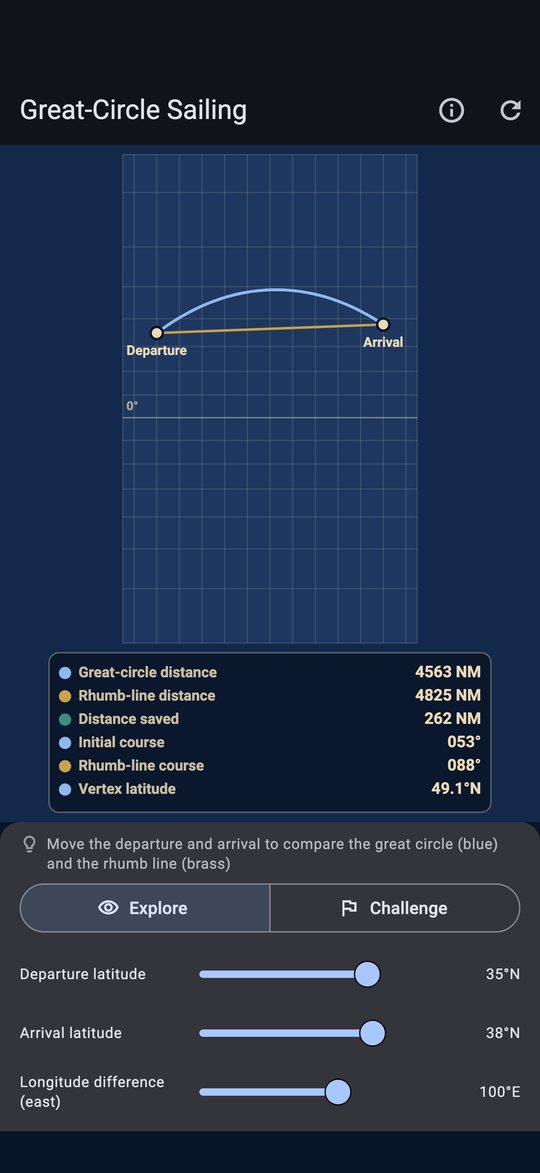
StandardCompare the shortest route over the globe (a great circle) with a constant-course rhumb line on a Mercator chart. Measure distance at 1′ = 1 NM and read the initial course and vertex.
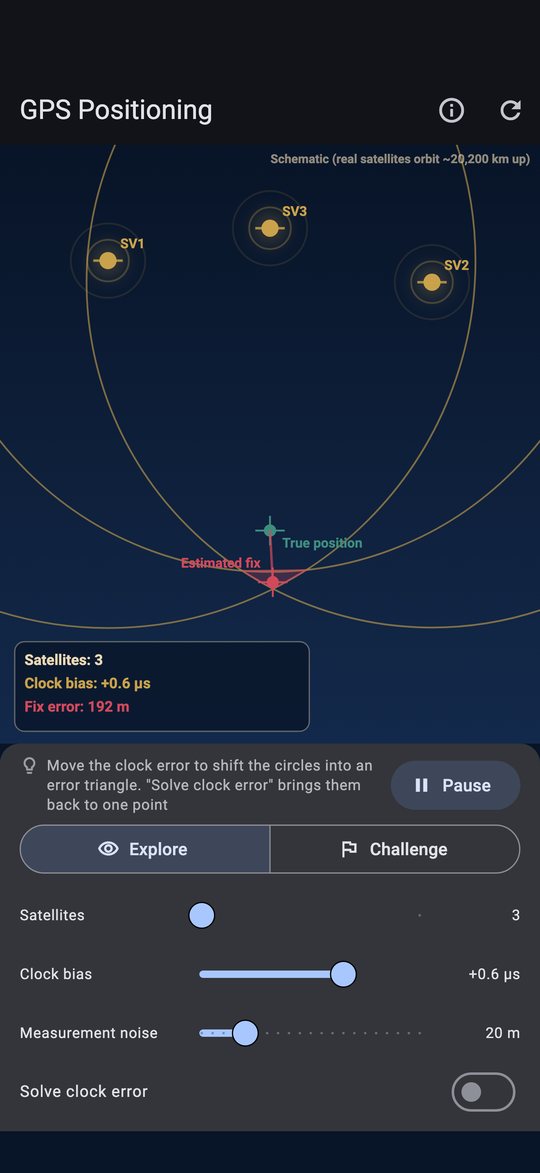
AdvancedNarrow down your position from satellite ranges; the fourth satellite solves the clock error and the circles meet at one point.
AdvancedDrag a slider and the diagram and numbers update instantly. In Challenge mode the answer stays hidden until you measure it yourself.
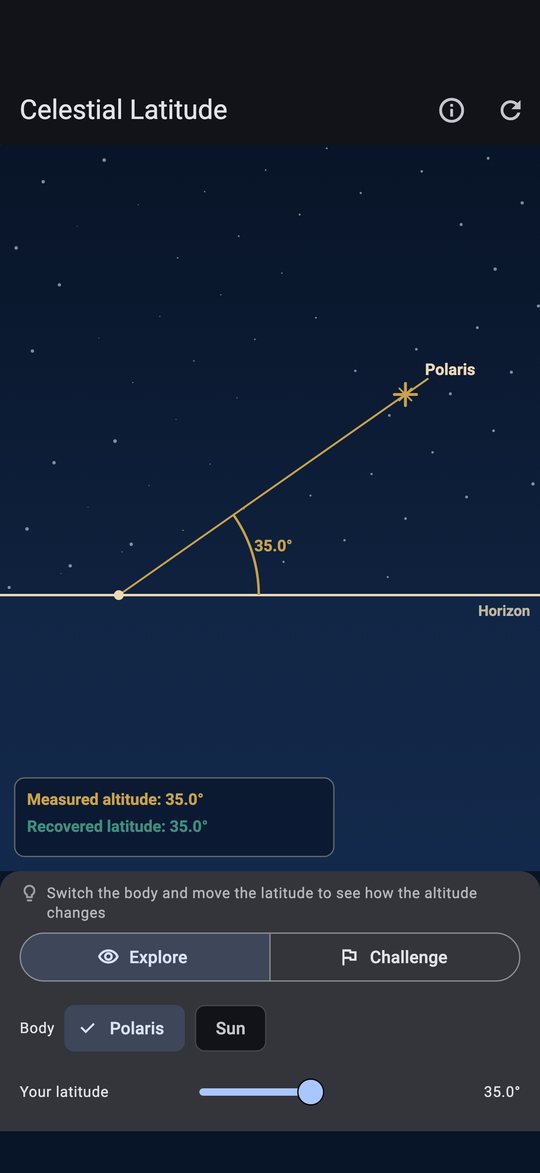
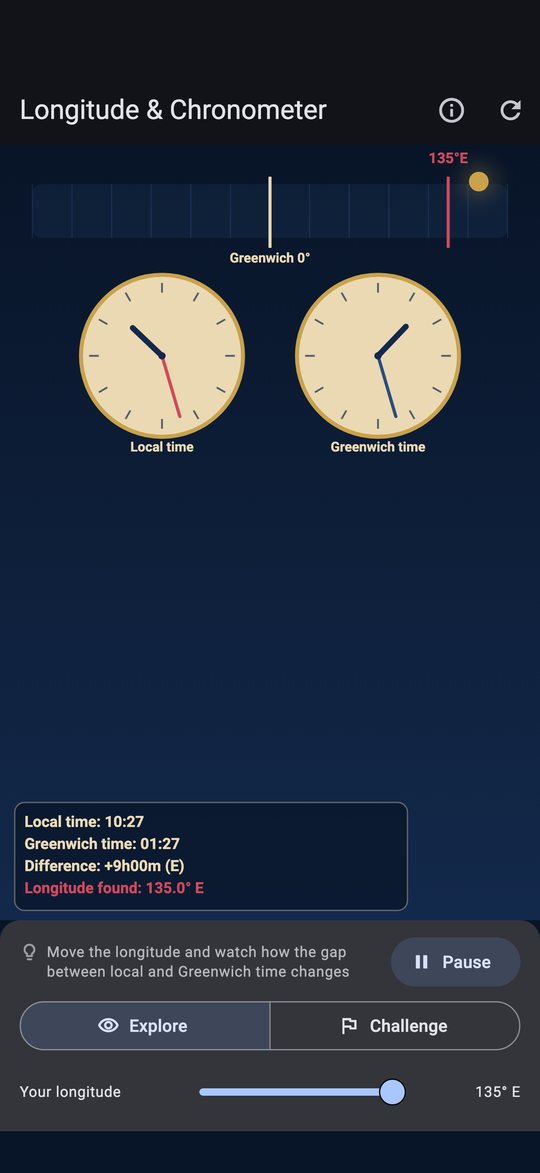
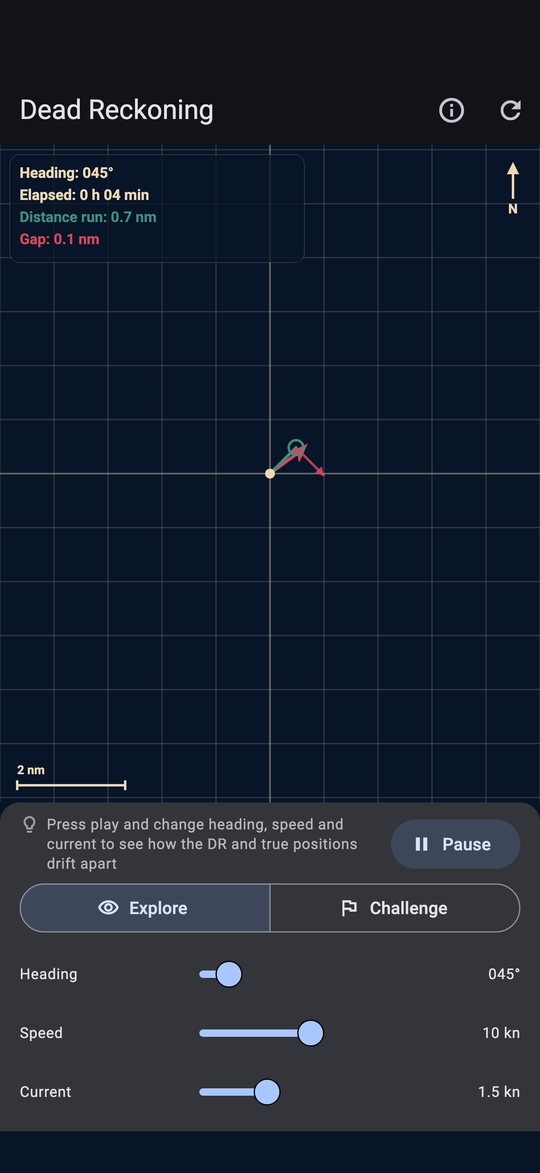
Every mode follows the same flow.
Each card shows a difficulty (Beginner, Standard, Advanced) and a "Start here" mark. Not sure? Use Start / Continue in the Logbook.
Move stars, ships and satellites with sliders and see what changes.
Measure a hidden value and enter your answer. Wrong answers get a hint, never the answer.
Get it right and the full working is shown. Cleared stages are recorded in the Logbook.
See the principle, measure, fix your position, verify — the navigator's own routine.
A wrong answer gets a hint without the answer, so the result is truly yours.
All 40 stages at a glance, with a pointer to where to go next.
Animations run on real elapsed time, so they move at the same speed on every device.
Dark theme by default for the night sky, plus a light theme, large text and screen reader support.
Follows your device language, including right-to-left languages.
The app is free. There are no in-app purchases, subscriptions, or paid unlocks.
A Google AdMob banner ad is shown at the bottom of the screen. On iOS, the tracking permission (ATT) prompt appears at launch, and personalized ads are shown only if you allow it. On Android, you are asked at first launch whether to allow personalized ads. You can change either in About this app → Ad settings. The app has no accounts and never asks for or collects personal information such as your name or email.
Requirements: iPhone and iPad with iOS 15.0 or later; Android phones and tablets with Android 7.0 or later.